
5.7M
Sciencehasmoved
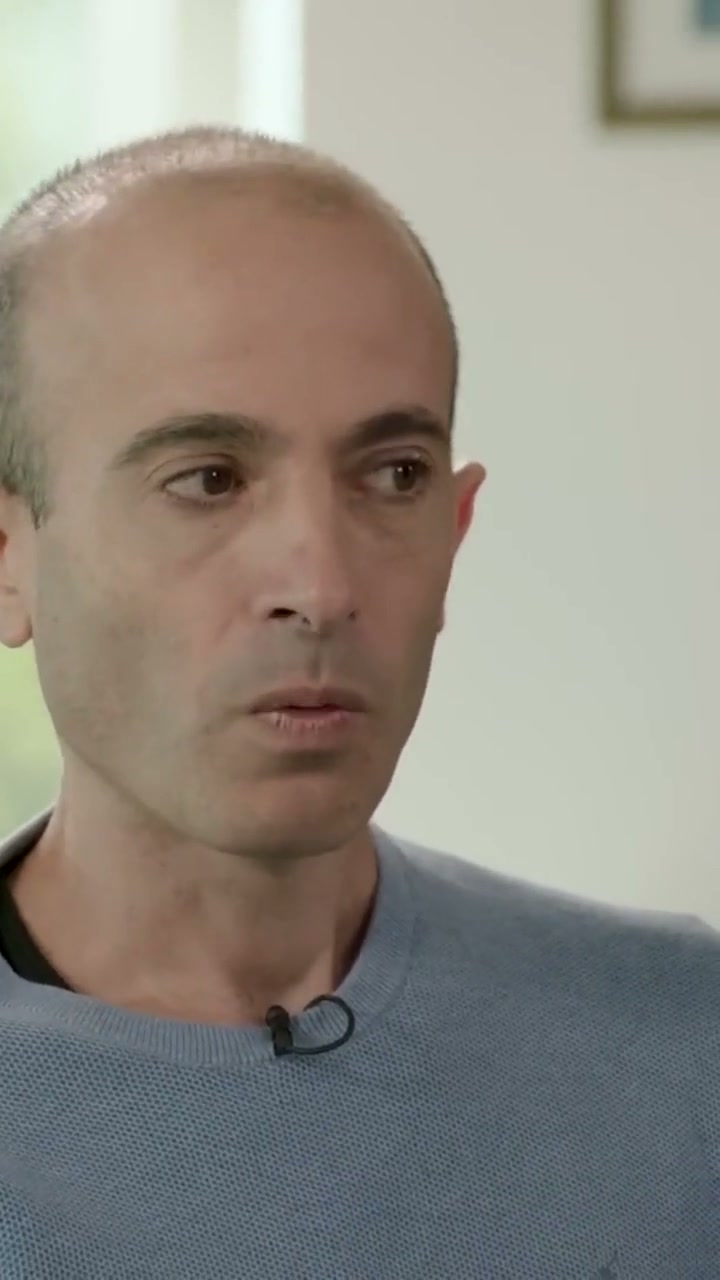
Sadhguru · 01:56:44 · 5.7M 👁00:52:15 → 00:52:20
Paste a YouTube link. TurboRecap finds the best moments, reframes them vertically and adds captions.
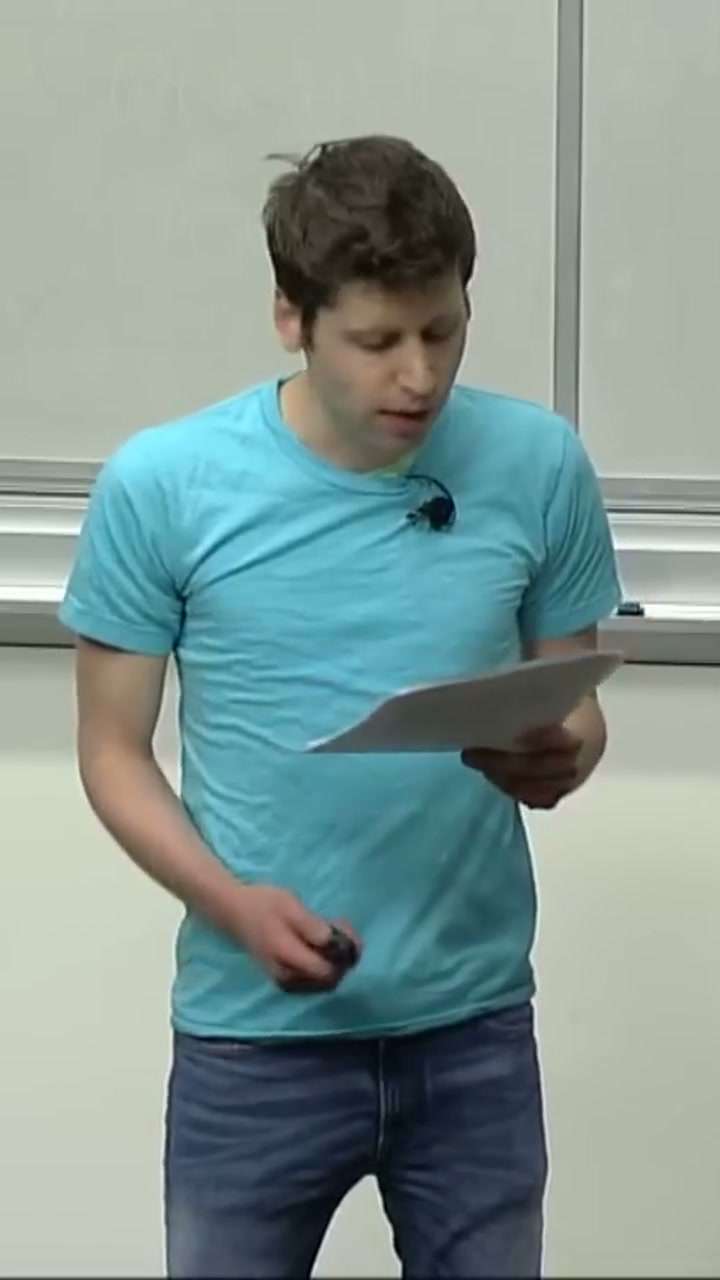
Three clips from long videos, captioned word by word. Turn on the sound and switch styles live.
Sciencehasmoved
Wedon'thave
BenSilverman,uh,
How it works
You control the brief. TurboRecap does the work of finding your highlights.
A YouTube link or a video file. A two-hour podcast, a full match or an entire course: TurboRecap handles it all.
A first pass finds about twenty highlights. A second refines each cut and keeps the ten best.
Reframed vertically, captioned and scored out of 100. Download your favorites and publish whenever you like.
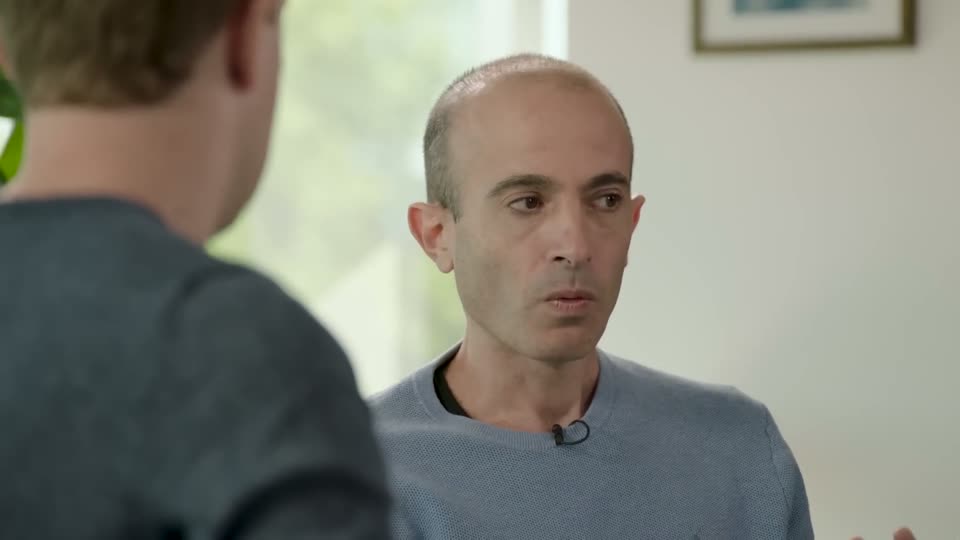
The frame follows the speaker and the action that matters. Ready for TikTok, Reels and Shorts.
Every moment gets a score out of 100. Publish the strongest ones first.
Pick a topic, tone or duration. Or let TurboRecap decide.
Theformatthatcatchestheeye
Synced to every word, with ready-to-use styles.

Interviews, matches, gameplay: TurboRecap finds the highlights even when nobody speaks.
curl https://api.turborecap.com/v1/analyze \
  -H "Authorization: Bearer $TURBORECAP_KEY" \
  -d '{
    "url": "https://youtu.be/podcast-ep42",
    "speed": "eco",
    "max_clips": 8
  }'
For developers
Get the best moments as clean JSON: timestamps, scores, transcripts and suggested titles. Pay only for what you use.
A one-hour podcast, 8 clips of 45 seconds: 0.55 $ in Eco mode.
>Try the APIPricing
Use the app with a monthly plan, or integrate the API and pay only for what you use.
Discover TurboRecap with no commitment
$0/month
1 h of video / month
For creators who publish every week
$9/month
10 h of video / month · or $0.90/h
To pick up your publishing pace
$19/month
30 h of video / month · or $0.63/h
For growing teams and brands
$39/month
100 h of video / month · or $0.39/h
Price per hour of source video, with the full allowance used.
Estimates based on public pricing recorded in 2026 (annual plans where available). TurboRecap Studio: 0.39 per hour with 100 hours included.
Only videos you have permission to use and process. Check the rights to images, music and people before sharing your clips.
It depends on the source duration. You can close the page: processing continues in the background and your clips will be waiting in your workspace.
One hour of video per month. The first 10 minutes of each video are analyzed, with a 720p export and a watermark. No credit card required.
Yes. TurboRecap analyzes picture and sound together: a goal, a live reaction or a gameplay moment can be found even without speech.
Yes. Choose a content profile, a goal, the number of clips and their duration, then add instructions if needed.
Temporary sources and analysis files are deleted during processing. You can delete your account and projects in settings.